
If you’re unfamiliar with Swagbucks, I discuss it in much more detail in my blog article.
For a little while now whenever I visit Swagbucks I’m always pleased to see Userzoom surveys as they tend to be quite interesting and often take much less time than advertised.
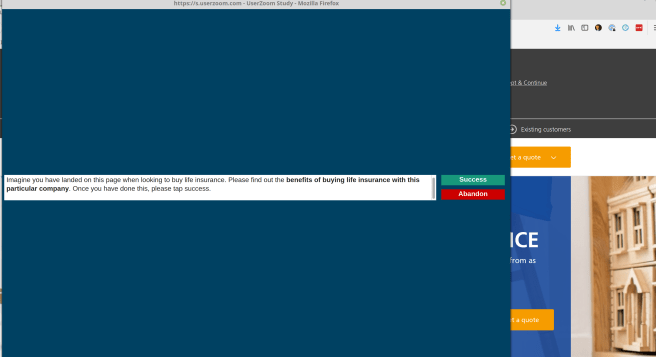
Userzoom surveys usually ask you to navigate a website or application prototype and complete tasks like finding certain information or completing a form.
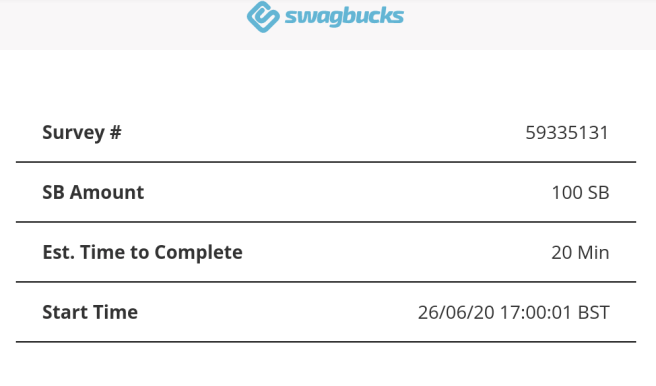
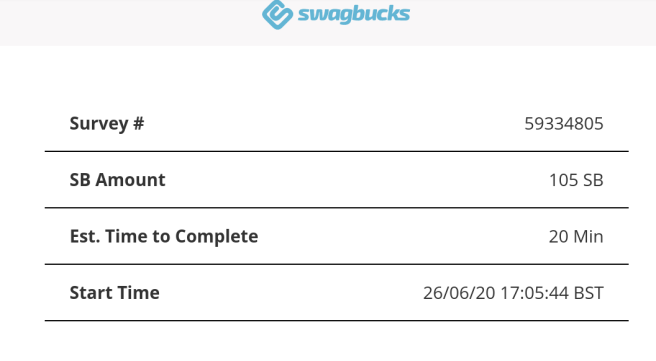
These surveys can usually be identified by checking for two things. Firstly, they are usually specified as taking 20 minutes and secondly they payout either 100 SB or 105 SB.
 Spare Time Income